Lead Response Time: How to Reply Within Five Minutes
Set a five-minute lead response target, separate acknowledgements from useful replies, fix assignment delays and measure missed enquiries by source.
By the Marro team8 min read
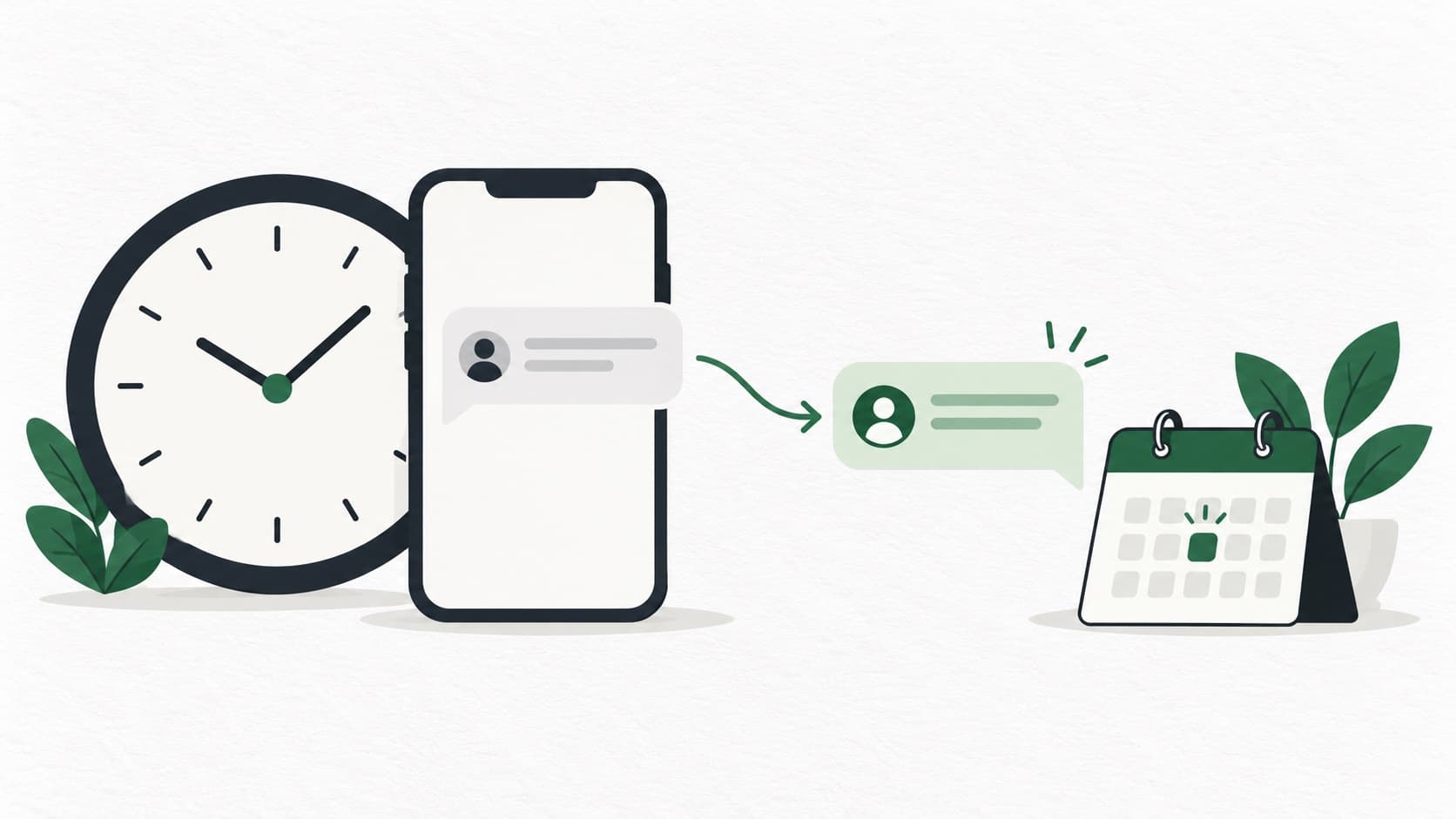
Reduce lead response time by capturing enquiries immediately, assigning an owner and keeping a backup ready. Use five minutes as a working-hours target, not a guaranteed conversion rule. Measure a useful reply separately from an automatic acknowledgement, then check where delays happen: before capture, before assignment or while the owner is busy.
What does lead response time actually measure?
Lead response time is the gap between an enquiry arriving and your business responding. A form receipt, an attempted call and an answer to the person’s question are three different events, so decide which one counts.
For a useful daily measure, keep the original enquiry time and the first useful response time. A useful response answers something specific or offers a clear next step: a fee explanation, a callback slot or a question needed to help. A generic “thank you” confirms receipt and should not hide a long wait for help.
This guide covers the first response and its measurement. Once a conversation starts, use the lead follow-up process for the days that follow. Keeping the two apart shows whether you are slow to begin or losing people later.
Why use the first five minutes as a target?
Five minutes is a practical target because it forces a team to capture and assign the enquiry as it arrives. Treat it as an operating choice to test. It makes no claim that a five-minute reply multiplies conversions by a fixed number.
The person has just asked a question and may be free to discuss it. If they ask about a Saturday demo while comparing their plans, an answer about available times helps more then than a call after the weekend.
Choose a target your business can staff and publish honest availability. A clinic should not promise an immediate doctor’s answer to every enquiry. A coaching counsellor in a scheduled consultation may need a colleague to cover new enquiries. Speed should make the first exchange useful.
Where do response delays usually start?
Trace the enquiry through three waits: getting into the lead list, getting an owner and getting that owner’s attention. Fix the longest wait before adding reminders. Nobody can respond to a form that only reaches them in an evening spreadsheet.
Use a made-up example: a form is submitted at 10:00 am, copied into the CRM at 10:20 and called at 10:24. The salesperson may report a four-minute response, but the customer waited 24 minutes. Keep the form’s submission time when reviewing this process.
For each source, submit a test and write down the times yourself. Include website forms, ad forms, calls and messages. If a source cannot deliver promptly, identify a temporary owner for checking it while you improve the connection.
| Delay | What to inspect | Practical fix |
|---|---|---|
| Before capture | Submission time against CRM arrival | Use a tested source connection instead of batch copying |
| Before assignment | Time the enquiry sits unowned | Set assignment rules and a named backup |
| Before first action | Owner’s workload and notifications | Provide cover during appointments and leave |
| After an unanswered call | Whether any next step is recorded | Offer an appropriate callback or message without repeated ringing |
How do you build a five-minute response process?
Give every new enquiry an owner, an immediate action and a fallback. State who covers the queue during lunch, meetings and leave. The backup must know they are covering it.
In Marro, new webhook-captured leads use your assignment rules. Check the resulting owner on an actual test record before adding calls or messages. The webhook capture guide explains why receiving a submission and creating a usable lead are separate checks.
Keep the first response short enough to send while the enquiry is fresh. Begin the right conversation rather than sending the whole brochure. If someone requested a call at 6 pm, record that preference instead of calling at once just to meet a target.
- 1Choose working hours and a response target for each source.
- 2Name the primary owner and the covering user for each shift.
- 3Prepare a first response for the main enquiry types: fees, appointment, course or site visit.
- 4Test capture and assignment with a contact you control.
- 5Check enquiries that passed the target and record why they waited.
- 6Review the oldest unanswered enquiry before adding more work to the queue.
What should the first reply say?
Identify the business, refer to the actual enquiry and offer one easy next step. If you can answer the question, answer it. If the answer depends on a detail, ask for that detail rather than sending a generic price list.
The examples below are copy to adapt, not approved WhatsApp templates. Use the appropriate sending method for the channel. For WhatsApp Business Platform messages, follow the current business messaging policy, including its template and customer-service-window requirements.
Do not call an enquiry “contacted” merely because a template was sent. Track whether a message was delivered, whether a call was answered and whether the person has had a useful exchange. Fast activity can still leave the question unresolved.
Hi {name}, this is {user} from {institute}. You asked about {course}. We have {verified_batch_detail}. Would you like the fees here or a short call at {time} IST?
Hi {name}, {user} from {business} here. I received your enquiry about {project}. Are you looking for {option_1} or {option_2}? I can check the current details for you.
Hi {name}, this is the front desk at {clinic}. You asked about an appointment. Would you prefer {day_1} or {day_2}? We will check availability before confirming.
How should you handle enquiries outside working hours?
Acknowledge the enquiry honestly and give a real time for the next useful response. Do not say “we will call shortly” at midnight if your team starts at 10 am. Let the person choose a callback time where possible.
Measure outside-hours enquiries separately, with both the actual wait and the working-hours wait. A Saturday-night enquiry answered on Monday may meet your Monday staffing rule, but the person still waited a long time. Both views help you decide whether weekend cover is worth trying.
In Marro, automatic agent outreach is subject to configured working hours and other guardrails. Configure it if you want that boundary, because with no working hours saved the agent guardrail has no hours restriction to apply. Review the current agent settings guide and test your out-of-hours case rather than assuming every new lead is called at any hour.
Can AI calling help without creating duplicate contact?
AI calling can handle a defined first conversation when it is set up and appropriate for the enquiry. In Marro, calls can be requested from a lead or an automation, and the recording and transcript are kept against the lead. Calls can wait when capacity is busy, so enabling calling is not a promise of an immediate connection.
Assign the first call to one process. If the First caller role owns it, do not also switch on a custom qualifier and an ordinary automation that call the same new lead. Tell users when they should step in, especially when the lead has already requested a callback or asked not to be contacted.
Check call outcomes separately. A request in a queue is not an answered call, and a short exchange that fails to answer the question is not a completed qualification. Read the AI lead qualification guide before deciding which questions to automate.
How do you run a fair response-time improvement trial?
Choose one lead source and keep the offer and qualification rules steady while you change the response process. Record the old response times first, then introduce capture checks, cover and the new target. If you change the ads, offer and staffing together, you cannot tell what helped.
Look at the enquiry mix as well as response time. A busy week with many irrelevant enquiries can make conversion look worse even if the team replies faster. Keep spam, repeat enquiries and requested later callbacks visible in the review.
Read a few fast and slow conversations with the users involved. Ask whether the first reply answered the question and whether the customer had a clear next step. A timer shows the delay. The conversation usually shows what to fix next.
Which response-time numbers should you review each week?
Review the middle response time, the slower end and the enquiries that received no useful response at all. An average can conceal a small group waiting for hours. Break the review down by source and by working-hours status before comparing users.
Do the first review in a simple sheet using timestamps from your systems, without assuming your CRM has every calculation in one report. Record the original enquiry time, capture time, first attempt, first useful reply and reason for a delay. Separate tests and spam consistently.
Then check later outcomes for the same enquiries: conversations, bookings, attendance and converted leads. A quicker reply helps only if the team is helping the right people. Compare similar sources and periods, and treat an improvement as your own observation, not a universal result. Start by testing one source in Marro and checking the first ten enquiries together.
- Percentage receiving a useful first response within your chosen target.
- Median response time and the 90th percentile, the time within which nine out of ten responses happened.
- Number of enquiries with no useful response by the end of the next working period.
- Time lost before capture, before assignment and after assignment.
- Bookings and converted leads, kept separate from attempted calls and sent messages.