WhatsApp Business API for Teams: One Number, Many Users
How a sales or admissions team runs one WhatsApp Business number together: shared inbox, chat owners, cover for leave, after-hours replies and costs.
By the Marro team9 min read
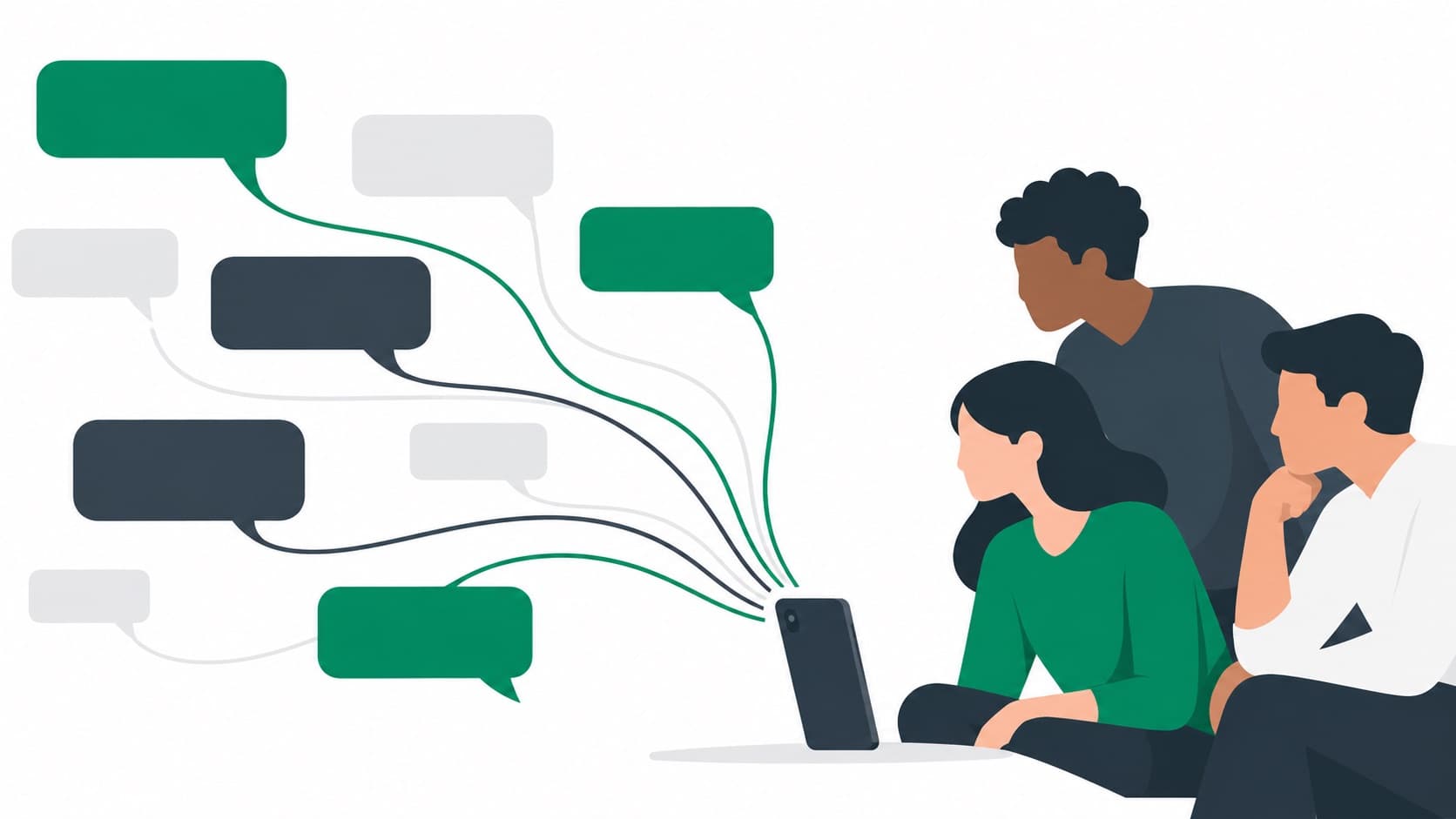
To run one WhatsApp Business number as a team, connect it to a shared inbox through the WhatsApp Business Platform (the API). Everyone logs in with their own account, every chat has one named owner, a backup covers leave, and the customer’s history sits beside the chat. The phone app alone works only for two or three people.
Can multiple people use one WhatsApp Business number?
Yes, in two ways. The WhatsApp Business app lets you link a few extra devices to the same number, and the WhatsApp Business Platform (the API) lets a shared inbox give every staff member their own login on one number.
The difference shows up once you have more than two people. On the app, everyone is the same account: a chat has no owner, nothing records who replied, and two people can answer the same customer. In a shared inbox, each person signs in as themselves, chats are assigned, and you can see who said what.
Picture a Pune admissions consultancy getting 60 enquiries a day in May. Three counsellors on linked devices will each reply to the chats they happen to see first. Some students get two answers with two different fee figures; others get none. A team inbox fixes that.
If you are still deciding between the two, read WhatsApp Business app vs API first. Meta’s Cloud API documentation covers the platform itself.
What does a well-run team WhatsApp inbox look like?
A good team inbox has zero unassigned chats at the end of the day, a first reply within five minutes in working hours, and a written next step on every open lead. If you can’t measure those three things, you have shared access without a shared process.
Ownership comes first. One person owns each chat until it is closed or handed over, and only the owner replies unless they ask for help. Everyone else can read the chat, add a note and see the history, which is what stops a customer from explaining the same thing twice.
Context matters as much as speed. When a student writes "what about the September intake you mentioned?", the person replying needs to see what was mentioned, by whom and when. That means the chat should sit on the lead’s record in your CRM, next to their calls, notes and stage, not in a separate app.
- Unassigned chats at 7 pm: zero.
- First reply in working hours: under 5 minutes for new enquiries, under 30 minutes for existing customers.
- Open leads without a next follow-up date: zero.
- Customers who got two different answers from two people: none you hear about.
How should WhatsApp chats be assigned across a team?
Assign every new chat the moment it arrives, by a rule, and keep returning customers with the person they already know. Manual assignment by a manager works for a week and then fails on the first busy Monday.
A study-abroad team might send UK and Ireland enquiries to one counsellor pair and Canada to another; a real estate team might route by project; a clinic group by branch. Inside each group, rotate new chats so nobody hoards the warm ones.
Make ownership sticky. If Riya counselled a student in March, that student’s chat in June goes back to Riya, not to whoever is next in the rotation. In Marro, assignment rules are written in plain words, by source, city or any field, and duplicates are matched by phone or email, so a returning enquiry lands on the existing lead and its owner.
Tell the customer when a chat moves to someone else, in one line. These two messages cover most cases:
Hi {name}, this is {new_owner} from {business}. {old_owner} has passed your enquiry about {topic} to me so you get a faster answer. I’ve read your chat, so no need to repeat anything. {next_question}
Hi {name}, {owner} here, back in the office today. I saw {colleague} helped you with {topic} while I was away. Is there anything still open I can sort out for you this week?
Who replies when the chat’s owner is away?
Either a named human backup or an AI agent that answers from your own facts and hands the chat back as soon as the owner returns. Nobody is the wrong answer, because an enquiry that waits overnight has often messaged two competitors by morning.
Marro’s Chat receptionist is built for exactly this gap. It replies on WhatsApp when the chat’s owner is away, uses only the business facts you’ve added, such as courses, fees, branch timings or project locations, and steps back the moment someone takes over. Every reply sits in the chat beside the lead, so the owner sees exactly what was said when they come back.
It has guardrails by industry. For an education business it never promises admission, a visa or recognition; for property it never implies availability or returns; for agencies it never promises scope or dates without evidence. If a student asks "will I definitely get the visa?", the agent says a counsellor will call and flags the chat.
The agentic CRM guide explains how the agents work together on each lead.
Can you keep the WhatsApp Business app on your phone?
Yes. If your number is on the WhatsApp Business app, you can connect it to Marro and keep using the app on your phone. Messages you send from the phone show in Marro too, and past chats with people who are already your leads are brought in when you connect.
This suits an owner who wants to keep answering a few loyal customers from their phone while the team works the inbox. Agree one rule: if a chat has an owner in the inbox, the phone stays quiet on it. Two places to reply is fine; two people replying is not.
A Bengaluru agency founder, say Kavya, might reply to a long-standing client from her phone on a Sunday. On Monday her account manager sees that message on the client’s record and picks up from there. Both replies live in one history.
How much does it cost to run WhatsApp for a team?
You pay for the inbox software and Meta’s message charges. Meta charges per delivered template message, by category and country. Since 1 October 2026, the first 1,000 replies a month per number within 24 hours of a customer's message are free. Further replies are charged per message delivered. Messages people send to your business are free. Replies to people who came from a Click-to-WhatsApp ad are free, with a follow-up window of up to 7 days.
WhatsApp template messages are paid from your prepaid Marro wallet, with a small fee per template message shown before you send; replies inside the 24-hour window are free. The subscription and users are explained on the pricing page. Meta’s current rates are on its pricing page.
For a team, the bigger cost is usually staff time, not messages. If your counsellors spend 20 minutes a day hunting through phones for what was said, that is the number to cut first. The India pricing guide walks through a full monthly estimate.