Create AI Agents for Lead Follow-Up: A Practical Guide
Build AI agents for fee reminders, missed appointments and site visits. Set clear triggers, limit permissions and prevent two agents chasing the same lead.
By the Marro team8 min read
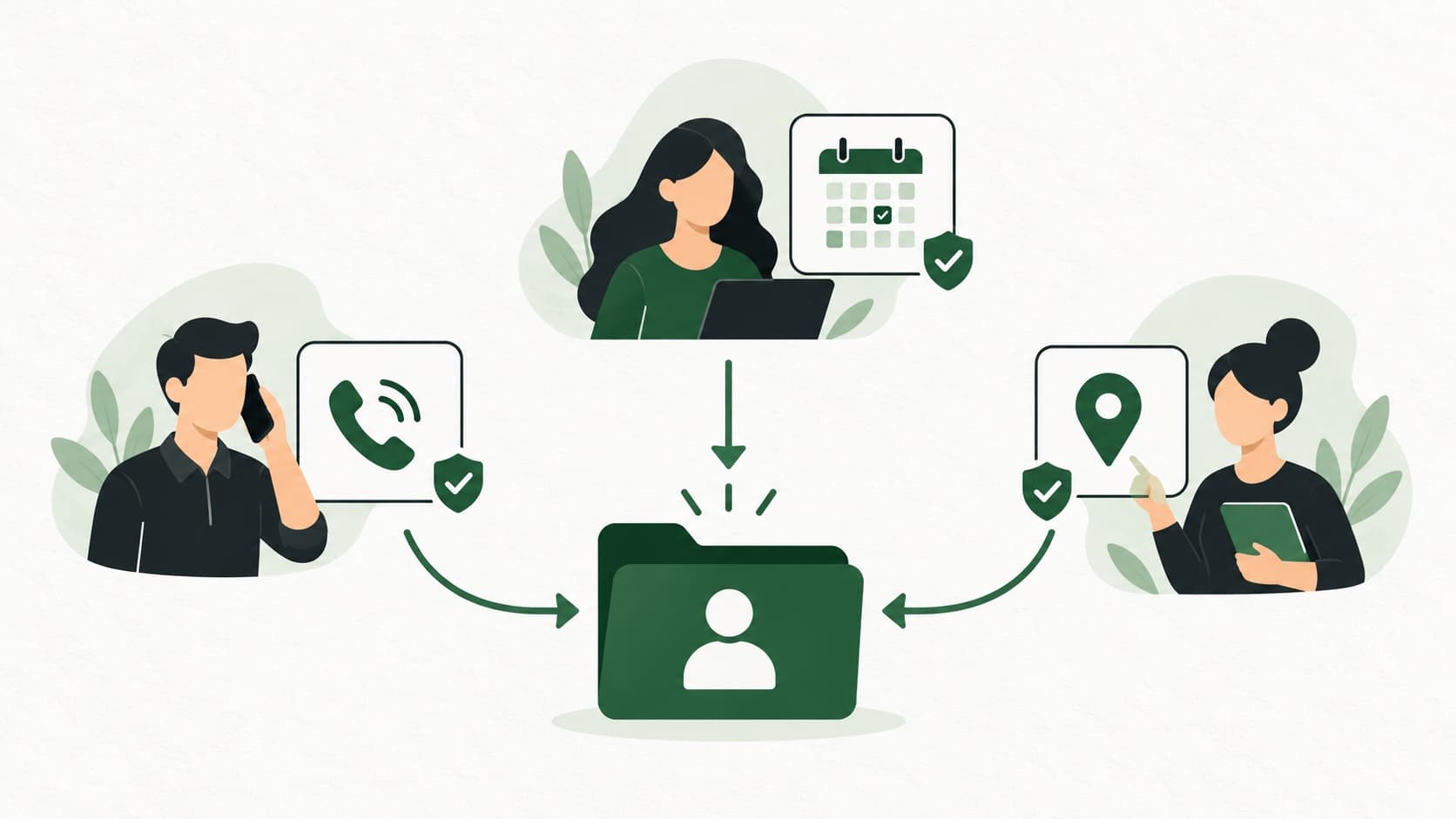
Create a follow-up agent by giving it one job, one trigger and only the actions that job needs. In Marro, you can start from an industry template, write instructions in plain words, test on a lead and choose which actions it takes on its own. Give each customer-facing step to one agent so two agents do not chase the same person.
What should your first custom AI agent do?
Your first agent should fix one repeated task with a clear finish: remind someone about an agreed fee, offer a booking link after a missed appointment, or confirm a booked site visit. A brief such as “handle all my leads” has no finish line, and no one to take over when it fails.
A clinic might need someone to pick up missed appointments after the front desk marks them as no-shows. A property team might already have a good first caller but forget directions after a visit is booked. Build for that gap, not for a step that already works.
This guide covers creating and assigning those jobs. For the built-in roles, read what an agentic CRM does. A custom agent sits beside those roles, with a boundary everyone on the team understands.
How do you create an agent in Marro?
Open Settings → AI → Agents, choose the Team tab and select Create an agent. Start with an industry template or a blank brief. You need permission to manage settings, and the actions available depend on your organisation’s subscription and connected services.
The setup has four parts: its job, when it works, what it may do and a trial on one lead. Ask Marro can help write the brief. Read the result as carefully as instructions for a new user joining your team; a fluent sentence can still describe the wrong process.
- 1Name the job clearly, such as “Missed appointment rebooking”. Say which records it should work on and when it should leave them alone.
- 2Choose a supported trigger, such as a lead entering a stage or a booking being made. Add a wait only when the job needs one.
- 3Tick only the actions it needs.
- 4Use Try it on a lead. Check the action, recipient, wording and next follow-up it would use; the trial does not change the lead.
- 5Switch it on. Review its work in Agent activity and its runs in Automations.
How should you brief a fee reminder agent?
Give a fee reminder agent the agreed amount, the reason it is due and a rule for handing payment difficulties to a person. Do not have it work out a fee from a generic course price when the student may have an agreed concession or part payment.
A suitable starting point is a stage such as Offer received, followed by a wait. That is a stage-based reminder; the agent does not watch every future instalment date. Keep the lead’s fee details and payment status current so the reminder is right when it goes out.
If the student has asked for more time, disputes the amount or says they have already paid, stop the routine chase and give the owner a follow-up. The agent should never grant an extension or invent a discount.
When a student enters {stage}, wait {delay}. Read the agreed fee, payment history and latest conversation. If the amount or deadline is unclear, flag the owner. If payment is still due and there is no dispute or request for help, send the fee-reminder template. Otherwise create a follow-up for the owner. Do not promise a discount or extension.
How should a no-show rebooking agent work?
Run it when the patient’s lead reaches your no-show stage. An appointment time passing does not prove the patient did not attend, so the front desk should mark the stage only after checking what happened.
Marro’s clinic template uses a stage change and a wait. It can start an AI call and send a WhatsApp template, with an internal follow-up for the front desk. AI calling must be set up first. Keep the job administrative: offer a way to rebook, and refer medical questions to the clinic.
If the patient already called to reschedule, the agent should leave the old booking alone and tell the front desk to check the record. Do not put symptoms, diagnoses or treatment details in a reminder that someone else may read on a shared phone. The clinic no-show guide covers the wider front-desk process.
How should a site-visit confirmation agent work?
Trigger the confirmation from a booking, and send only details already agreed: project, date, time, meeting point and the contact person. A property enquiry is not a booking. “Interested in Saturday” still needs a conversation before anyone sends “your visit is confirmed”.
Give this agent permission to send the confirmation template and create an internal follow-up for the owner. Keep availability, price negotiation and promises about a unit outside its brief. If the address or booking time is missing, it flags the owner instead of guessing.
The site-visit playbook covers qualification and getting people to attend. This agent owns only the confirmation after that booking exists.
Which permissions does each agent actually need?
Choose permissions for the job, separately for each agent. In Marro, a custom agent’s permissions belong to that agent; allowing one to send a template does not give the same right to every other agent.
Notes and follow-ups run on their own where you allow it. Actions that reach the lead, including WhatsApp templates and AI calls, also act on their own once the required setup and guardrails are in place. Try each agent on a lead first, then switch it on.
| Agent | Useful starting permissions | Keep with a person |
|---|---|---|
| Fee reminder | Send a template; add a note and owner follow-up | Disputed amounts, concessions and payment extensions |
| No-show rebooking | Start a call or send a template; add a front-desk follow-up | Medical questions and uncertain attendance |
| Site-visit confirmation | Send a confirmation template; add an owner follow-up | Unconfirmed slots, prices and availability |
Why should two agents not own the same step?
Two agents on the same trigger can make the customer repeat themselves or get two reminders for one task. A first caller and a custom qualifier should not both call every new lead. Decide which one owns that call, and give the other a different trigger or an internal-only job.
Marro warns about overlapping customer-facing actions on the same trigger. It also checks recent agent activity: if the same kind of contact already happened on the lead in the last 12 hours, another automatic attempt is held back. Working hours, contact caps and run limits also pace the work.
Those checks do not replace a clear process: two different messages can still clash, and ordinary automations need reviewing alongside agents. Keep a short list of which agent owns the first call, confirmation, reminder and rebooking.
What should your agent test cases include?
Test both a valid trigger and a record that looks similar but should be left alone. A fee reminder might be correct for one student in Offer received and wrong for another who has just paid. A site-visit confirmation should use the saved booking, not a date mentioned casually in an old note.
Choose records with missing information deliberately. Remove the meeting point from a sample visit or leave the fee deadline blank. The right result is a question or an internal follow-up. If the agent fills the gap with a plausible detail, tighten the brief and check the business knowledge.
Test a handover too. Add a recent note saying the owner will call the parent that afternoon, then check that the agent respects it and helps the user continue that conversation rather than restart it.
Keep a short review list: test record, expected action, actual action and the change needed. When you update instructions, repeat the cases that previously failed. Review the trigger and permissions as well as the wording: a well-written message on the wrong event is still the wrong action.
How do you know the agent is ready to run?
Test the exceptions as well as the easy case: an already-paid fee, an appointment moved by phone and a visit with no meeting point. A useful agent knows when to flag the owner. If it writes a confident message with missing facts, improve the brief or business knowledge before switching it on.
For the first week, have one named user check the agent's actions on the lead records each day. Count wrong recipients, wrong amounts, unnecessary contacts and needless follow-ups. Fix the cause of a mistake instead of editing the same message again and again.
You can switch a custom agent off from its card, but that does not undo anything already sent, so check its recent work too. For the current setup and permission details, use the Marro agent guide, then try one job in your AI team.